When it comes to managing the essentials of engineering content in a drawing office or asset management facility, Lunr is the key. It's designed to bring your content under control and maintain version history through disciplined workflows.
As social networking companies understand, the great news is that having a solid data platform like Lunr lets you draw on a wealth of information for management and planning. For instance, it can track project progress, identify potential bottlenecks, and most importantly, it equips you to make informed decisions, putting you in the driver's seat.
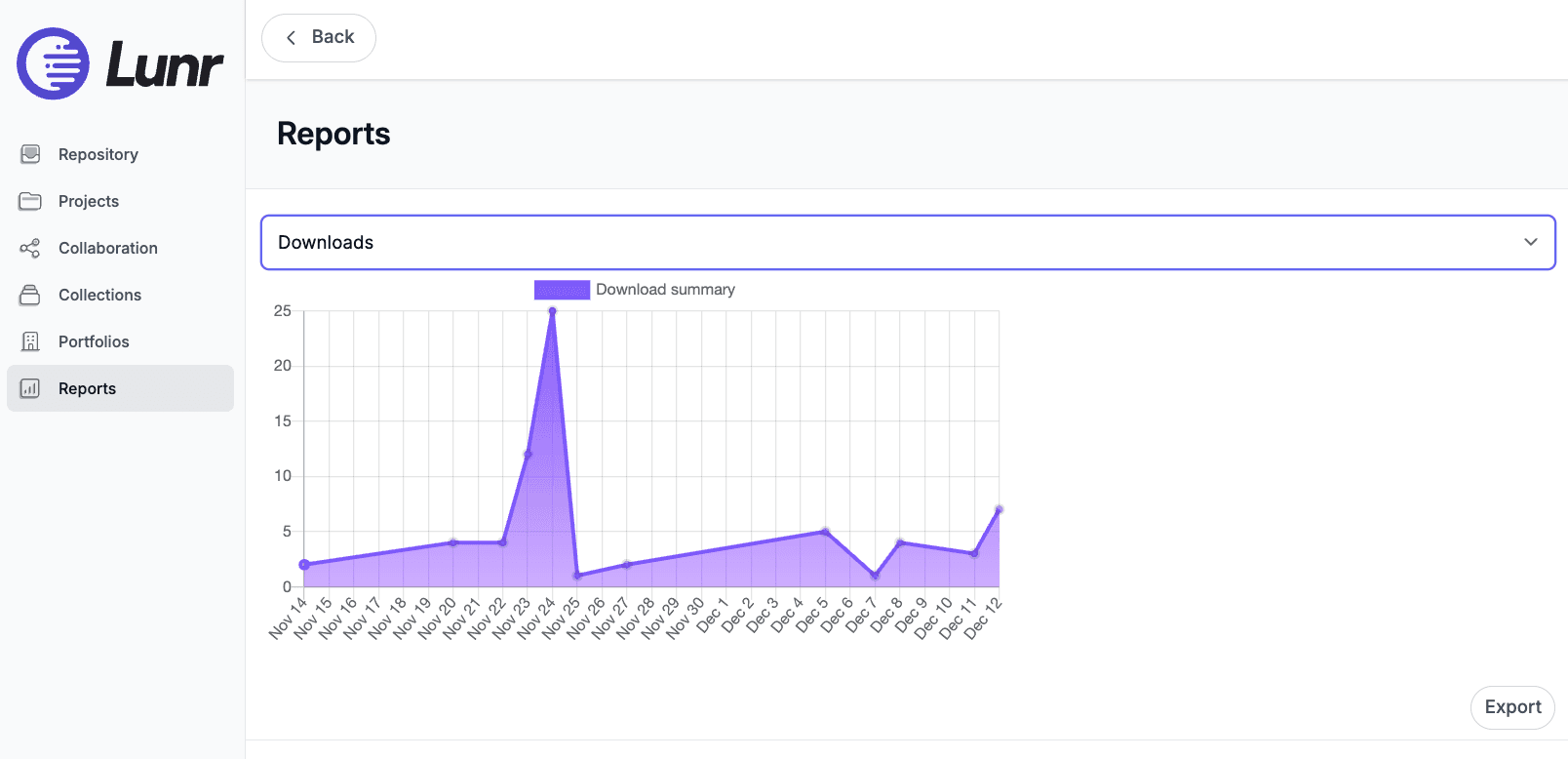
Managing a project in Lunr is a comprehensive process that ensures you are in control. It controls access to documents and bundles them into change requests or RFIs for communication. The project overview provides a simple dashboard reflecting document workflow status, while the reports area delivers system statistics to assist with management and planning, ensuring you have all the tools you need at your disposal.
Lunr efficiently tracks and captures data, putting project and reporting tools at your fingertips. Easy access to reports allows you to focus on resourcing and planning, all while being informed by the most up-to-date system information.