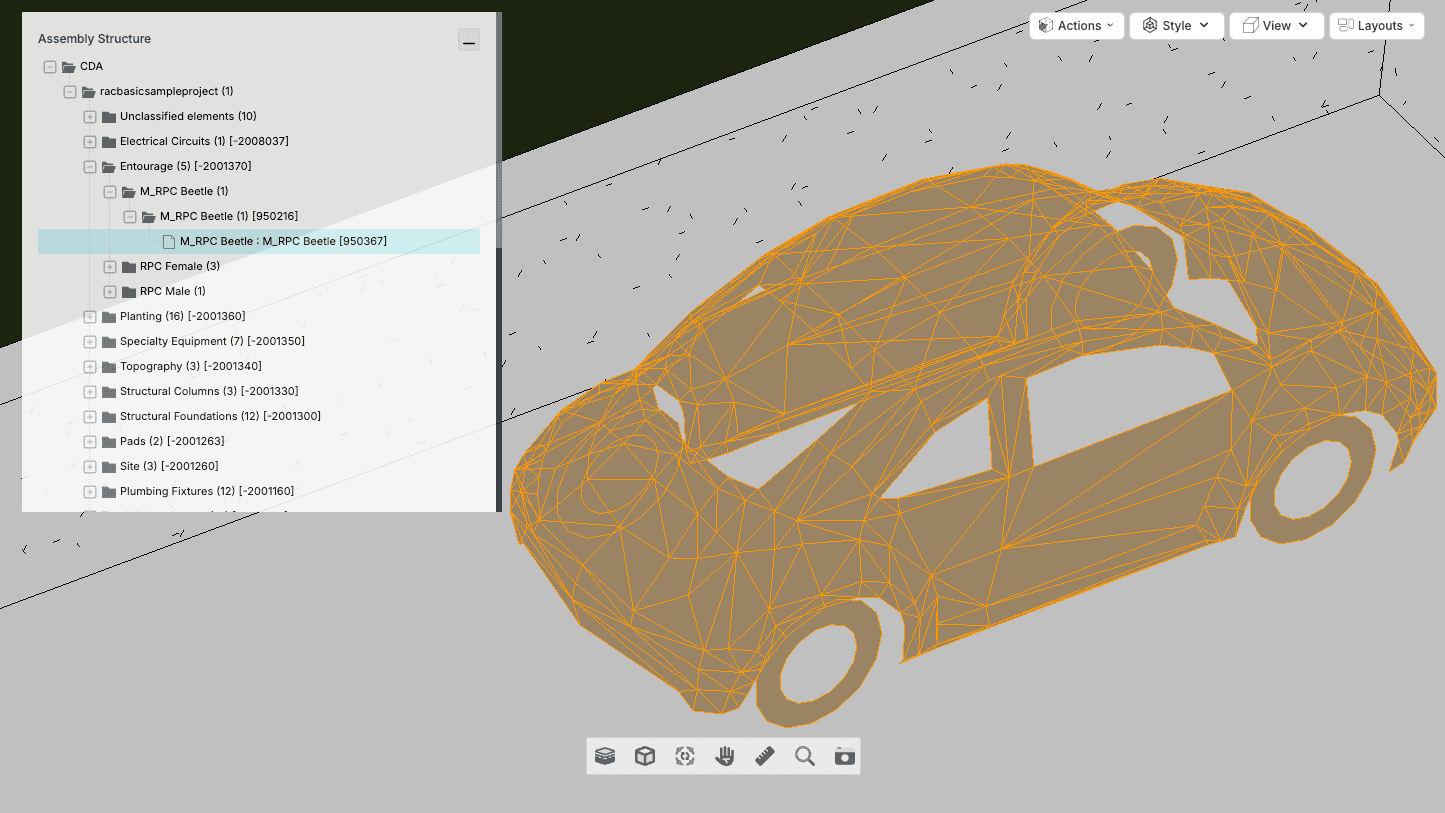
We've recently added some new features to the BIM Viewer in Lunr. All users can now easily create viewpoints and view property elements in the viewer without using specialist software.
Create Viewpoints
A viewpoint serves as a specific perspective or snapshot of a 3D BIM model and allows you to save and navigate to specific locations within the model.
With the new feature, you can now save a viewpoint by simply clicking the camera icon. This flexibility allows you to create multiple viewpoints over time and use them to compare progress, giving you more control over your work.
View property elements
You can now drill down to view specific elements within the model's structure. For example, in the full view above, we've selected the Volkswagen Beetle parked in the driveway. If necessary, you can use other viewer functions, such as measure, to get more information.