If you've spent time on a project where two people are holding different revisions of the same drawing, you already know what a drawing register is for. The argument ends when someone can show which revision is current, who it was issued to, and when. Without that record, it gets settled from whichever printout is closest, and that's how work ends up built from a superseded sheet.
It happens more often than anyone admits. On one project we saw, a drafter picked up a drawing from a local file copy and modified it, not realising the sheet was three revisions out of date. By the time the changes reached the document controller, they had to be manually consolidated against the current revision. That one was a non-critical drawing. The same mistake on an electrical drawing has real safety implications.
A drawing register is the single list of every drawing on a project or asset, with each drawing's number, title, revision, status, and issue history in one place. When we implement Lunr for a new client, we ask for two things: a directory listing, and the register, if there is one. Some arrive as a well-kept spreadsheet. Plenty exist only in somebody's head, and the job starts with writing one down. This post covers how: the columns a register needs, the conventions to agree before the first row goes in, and a worked example that follows one drawing from first issue to as-constructed. If you'd rather start from a working file, the free drawing register template has the columns, the dropdowns, and an example project already in it.
What a Drawing Register Records
A list of drawing numbers and titles is a start, but the register earns its keep by recording revisions and issues, because those are the two things a folder of files can't tell you. The columns fall into four groups.
Identity answers which drawing this is:
- Drawing number. The controlled number, in one consistent format so the register sorts cleanly.
- Title. As printed in the title block, so the register and the sheet agree.
- Discipline. Architectural, Structural, Electrical, and so on.
- Originator. The company or team that produced the drawing.
- Sheet. The sheet number within a multi-sheet set.
Revision answers which issue of the drawing this row describes:
- Revision. The code printed on the sheet: A, B, C, or 0, 1, 2.
- Revision date. The date this revision was drawn.
- Revision description. What changed, in a line.
Status answers where the drawing sits in its life. Pick a fixed vocabulary and hold to it. The template uses Draft, Issued for review, Issued for construction, As-constructed, and Superseded.
Issue answers who has the drawing:
- Issued to. The party the drawing was last issued to.
- Transmittal reference. The transmittal it went out under, so every issue is traceable.
- Date issued. The date it went out.
Add a file location column, so a reader can go from the row straight to the sheet, and a notes column for everything else. That's fourteen columns, and it's enough for most projects. It's tempting to add more, but every extra column is another field that won't get filled in consistently.
Three Rules That Keep the Register True
The columns are the easy part. What keeps a register reliable is three rules, applied every time a drawing moves.
- One row per revision. When a drawing is reissued, add a new row. Don't overwrite the old one. Overwriting turns the register into a snapshot of today, and a snapshot can't answer what was current in March when the slab went in.
- Supersede, never delete. When a revision is replaced, set its status to Superseded and note the revision that replaces it. Deleting the row removes the only evidence that revision was ever issued; marking it Superseded keeps the history intact.
- No issue without a transmittal reference. We've all heard "I emailed it to them in June". Without a transmittal reference against the row, there's no way to prove what was sent, which revision it was, or whether it arrived. Record the reference, the recipient, and the date, every time.
Agree the Conventions Before the First Row
When we sit down with a new client to document their drawing management practices, these are the four things we settle before any drawings are booked in. Retrofitting a convention later costs far more than agreeing one now.
- The numbering format. One format for the whole project, usually a project code, a discipline code, and a sequence number. Write it down where the register lives, so the next person follows it rather than inventing a variant.
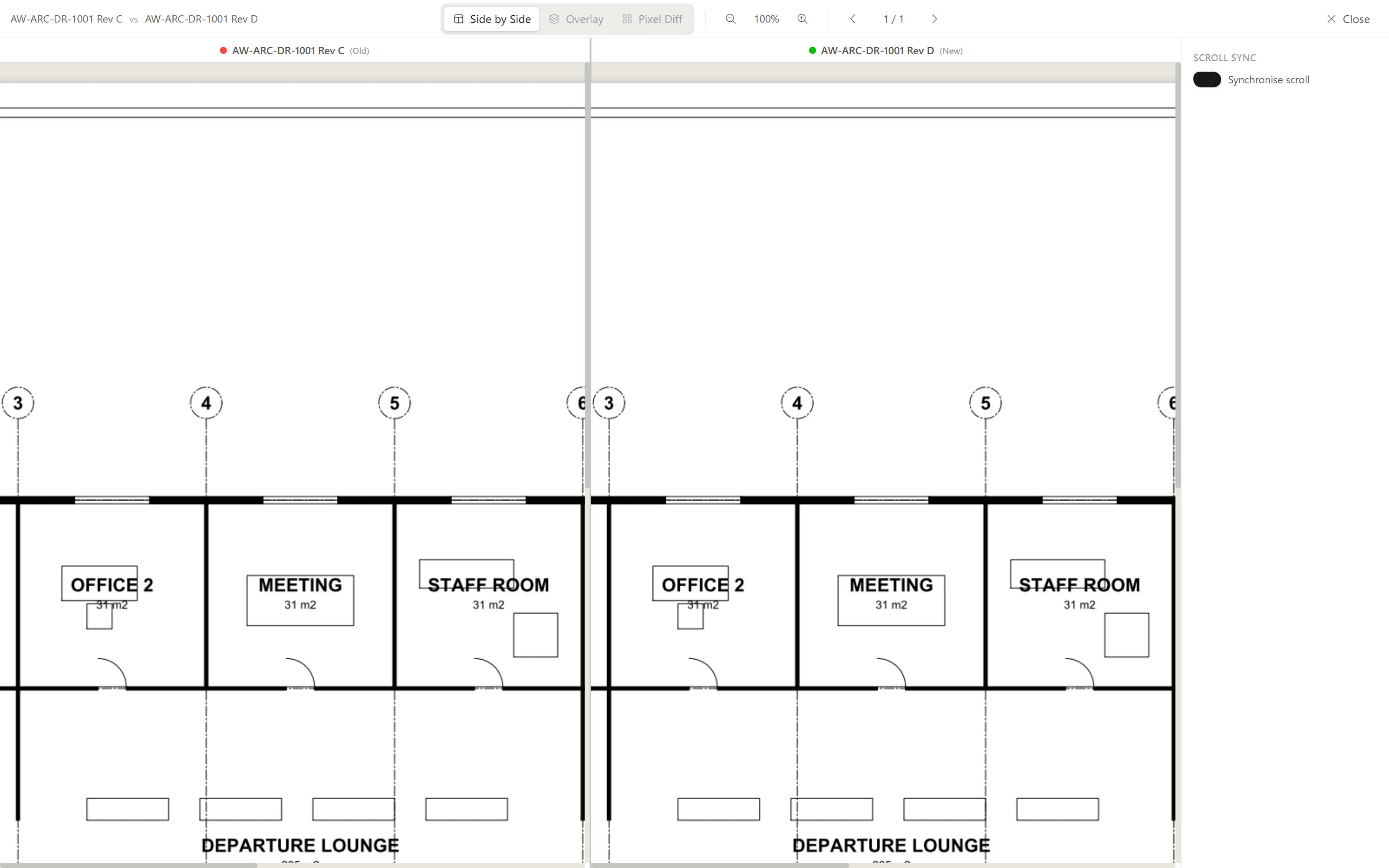
- The revision scheme. A common scheme uses letters (A, B, C) while a drawing is preliminary and numbers from 0 or 1 once it's issued for construction. Decide the crossover point now, and skip the letters I, O, Q, S, X, and Z, which read as numbers or symbols. That mix-up happens often enough that most CAD standards we see forbid those letters outright, and compliance is still hard to enforce by hand. Drawing revision numbering covers both decisions.
- The status vocabulary. A short, fixed list, matching the terms your contracts use. Five statuses cover most projects, and every status invented on the fly makes the register harder to read.
- The owner. One person books drawings in, records revisions, and marks superseded sheets, usually the document controller. A register with several editors and no owner drifts within weeks.
A Worked Example: One Drawing, Five Rows
To make this concrete, follow one drawing on a fictional harbour project, Aurora Wharf. The drawing is AW-A-1102, Terminal Building Level 1 Floor Plan, discipline Architectural, originated by Harbourline Architects, sheet 1 of 1. Julie, the document controller, keeps the register. Here's the drawing's life as she records it:
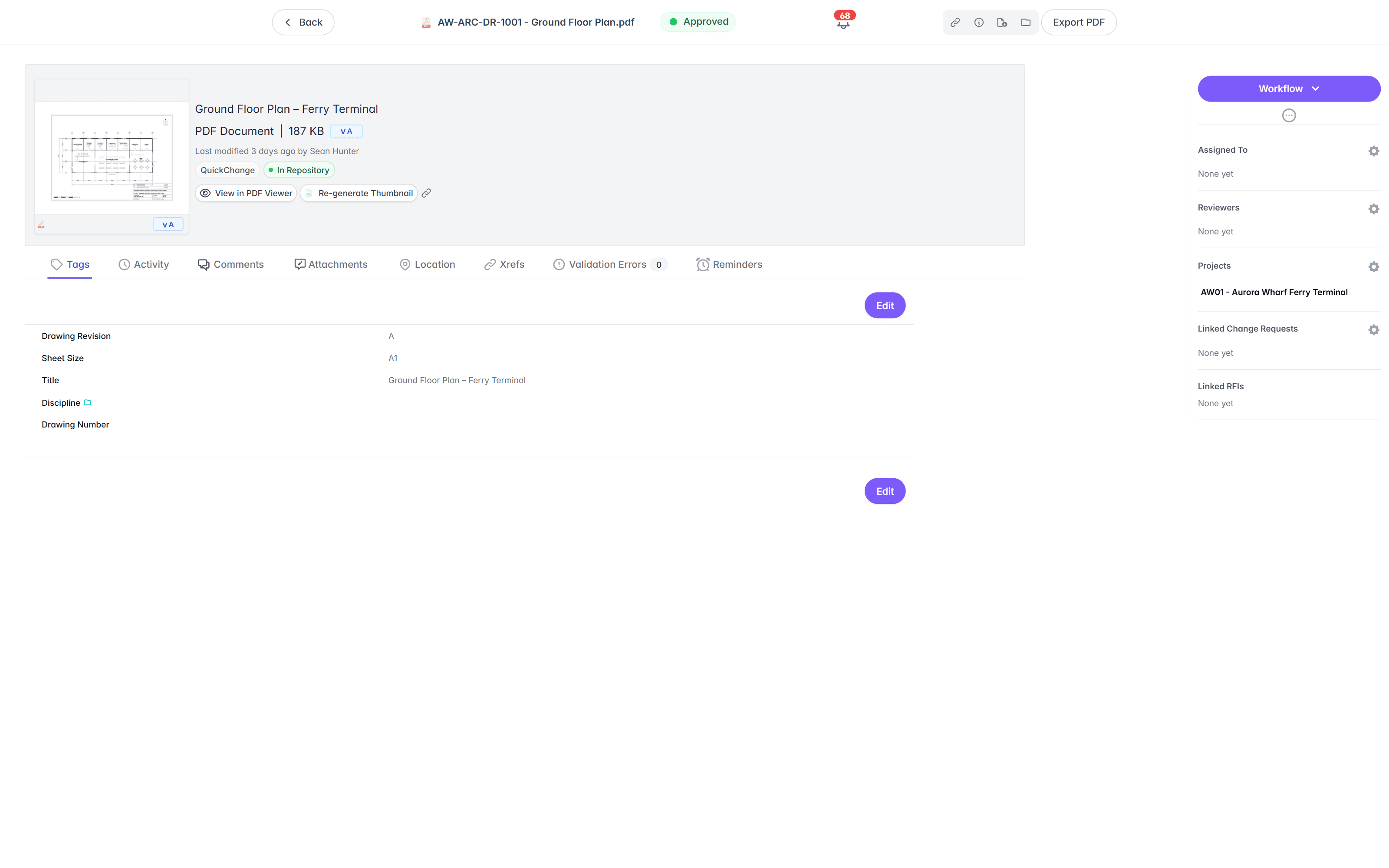
- Rev A, 12 February 2026. Julie books the drawing in and records the first issue: "First issue for review." Status: Issued for review. Issued to the Aurora Wharf review panel under transmittal AW-TX-0014 on 13 February.
- Rev B, 4 March 2026. Review comments come back and the stair core moves at grid 7. Julie adds a new row: "Review comments incorporated; stair core relocated at grid 7." Status: Issued for review, under AW-TX-0021. Rev A's row stays put, now marked Superseded.
- Rev 0, 31 March 2026. The design is accepted and the revision crosses from letters to numbers. New row: "Issued for construction." Status: Issued for construction. Issued to the head contractor under AW-TX-0033. Rev B marked Superseded.
- Rev 1, 18 June 2026. A site instruction moves door D-114. New row: "Door D-114 relocated; door schedule amended." Status: Issued for construction, under AW-TX-0051. Rev 0 marked Superseded.
- Rev 2, 7 August 2026. Site changes are captured at completion. New row: "As-constructed." Status: As-constructed. Issued to the asset owner under AW-TX-0088. Rev 1 marked Superseded.
Five rows, one drawing. Read from the bottom, the register answers the easy question: the current sheet is rev 2, the as-constructed record. Read in full, it answers the harder one: on 20 May, the contractor should have been building from rev 0, issued under AW-TX-0033 on 31 March. Julie can prove that because she never overwrote a row.
Where Registers Go Wrong
The failures we see are much the same on every project:
- The register and the files drift apart. The register says rev B and the folder holds a rev C nobody booked in. Fill the file location column, and make booking in part of receiving a drawing, so a drawing that misses the register is treated as not received.
- The register gets copied. Two copies means two registers, and neither is the record. One file, one location, one owner.
- Issues live in email. If the only record of an issue is a sent folder, the register can't prove what was sent, and the proof leaves when the sender does. Every issue gets a transmittal reference in the row.
- Printouts outlive their revision. A printed sheet doesn't know it's been superseded. Mark prints as uncontrolled when printed, and treat the register as the only authority on what's current.
- Redlines stay in the site office. We often see uncontrolled markups accumulating in a site office set. People lose confidence that the sheet they're holding is the latest, and the only fix is walking to the site office to check. Bring redlines into the record with everything else.
Left long enough without an owner, the end state is predictable: duplicate revisions everywhere, nobody able to find the sheet they need, and the working method becomes digging out the handover directory from the last project in that area and hoping the drawings are in it. We've brought clients out of exactly that position, and while the tools we've built can create order from the chaos, those are the hardest migrations we do. A register and an owner are much cheaper.
When the Spreadsheet Stops Keeping Up
A spreadsheet register does the job for most teams: it's quick to set up, everyone can read it, and it holds the whole drawing record on one page. It's also far from the only format we see. Registers turn up as file shares where the naming convention is doing the register's job, Access databases, and all sorts in between. The best document controllers we've worked with run colour-coded registers with a timestamp on every element: every drawing, every revision, who it went out to, and when, with the title information transcribed by hand from each title block, often with the asset data alongside. A register like that, Access database or not, is an excellent starting point: the numbering, revisions, and metadata are already structured, so bringing it into a more automated and accessible process in a system like Lunr is closer to an import than a rebuild. Whatever the format, a manual register keeps working until two things happen: the register and the drawing files drift apart, and more than one person needs to edit it at once. The two usually arrive together, mid-project.
The third driver is the quiet one. A manual register depends entirely on one person who knows the system inside out and has the standing to enforce it. That's the owner rule from earlier, and it's also a single point of failure. When that person is away, drawings get booked in wrong or don't get booked in at all, and when they leave, the register's logic often walks out the door with them. Bringing in a system supports that person rather than replacing them: the conventions they've been enforcing by hand, from the numbering format to one row per revision, become rules the system applies for everyone. The register stops depending on their vigilance, and they might even get to take a holiday.
That's the point to move the record into a drawing management system, where the file carries its own revision history and the register can't drift from it. Lunr's drawing management software holds the drawings under revision control, reads the title blocks so nobody transcribes them by hand, and issues tracked transmittals from the same record.
Until then, a disciplined spreadsheet does the job. Download the template, agree the conventions, and apply the three rules every time a drawing moves.